How to Use Klaviyo's Show/Hide Logic to Make Every Email Feel Like It Was Written for That Customer
One of the most underused features in Klaviyo isn't a new automation or a send-time tool. It's show/hide logic, or the ability to show different content to different customer segments within the same email template.
Used well, it's one of the most commercially powerful things you can do with your email programme.

What is show/hide logic in Klaviyo?
Show/hide logic (sometimes called conditional content) allows you to create sections within an email that appear or disappear based on who is receiving it.
The clearest example: a loyalty programme module that shows non-members an invitation to join, and shows existing members their current points balance and how many points until their next reward. Same email, same send, two completely different experiences.
The technical side is relatively simple Klaviyo's block-level conditional logic is built into the template editor and doesn't require custom code. The commercially interesting part is deciding which segments should see which content.

The commercial case for personalised email design
We all know relevant content converts better than generic content, so when a customer receives an email that feels like it was designed for them (that acknowledges where they are in the relationship with the brand) the likelihood of clicking and converting increases significantly.
Show/hide logic isn't about making emails look different for different people. It's about making every email feel commercially useful for whoever receives it.
How retail brands can use it
A customer who has bought once and not returned sees: a re-engagement module, a reminder of what they bought, and a related product recommendation with a first-time-back incentive.
A regular customer sees: their loyalty status, points to next reward, and early access to a new collection. They might be shown specific collections based on shopping habits or a subscription they already have.
A loyalty member who hasn't used their points sees: a specific prompt to redeem, with a deadline to create urgency. There is even the idea to play with VIP level exclusive content versus a snippet of what you could read more if if you move up a loyalty tier level for instance.
Design consideration
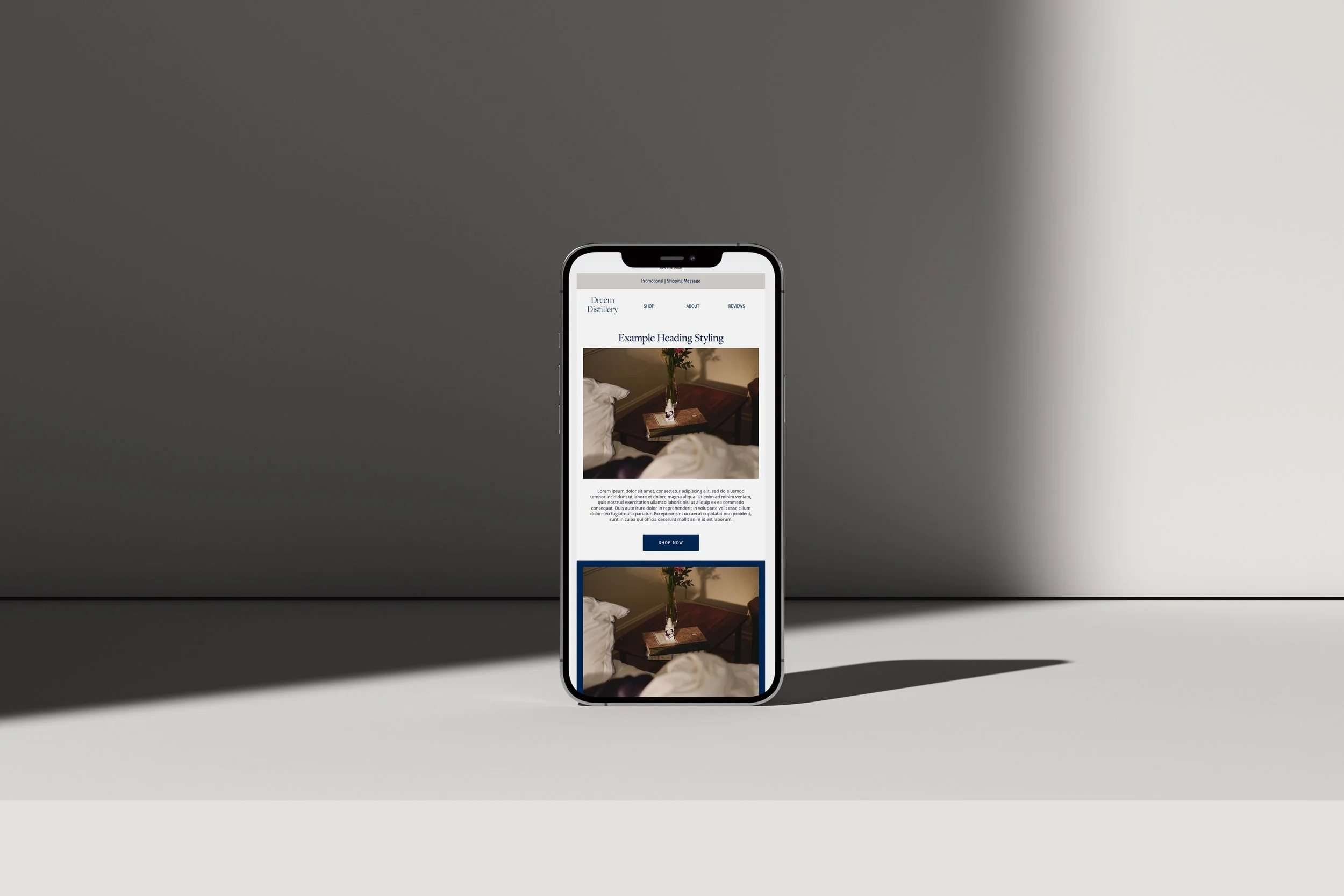
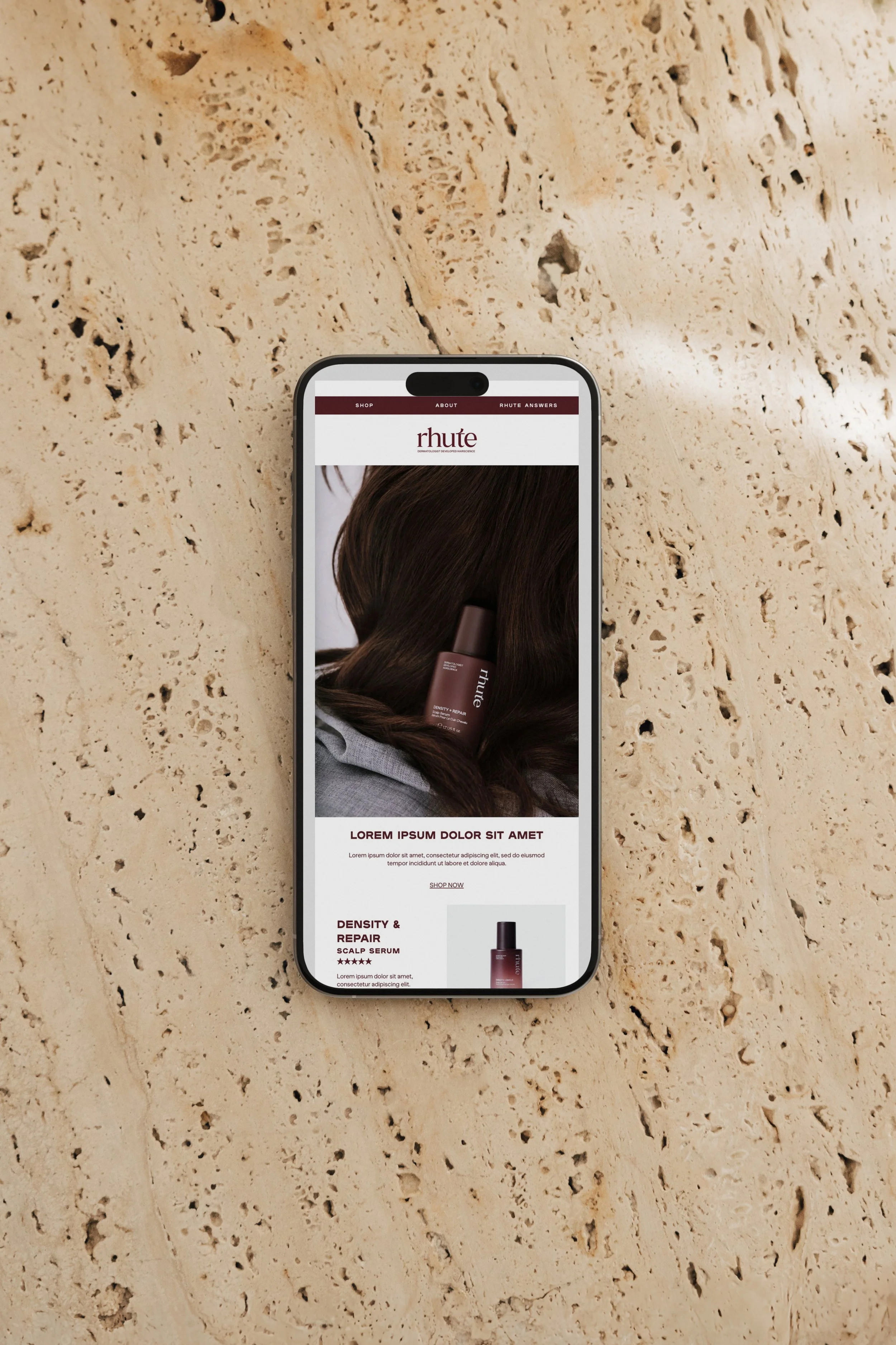
Each content block needs to feel part of the same visual system — same hierarchy, same spacing, same quality — so the personalised sections don't feel bolted on. The email should look like a coherent design, not a template with modules swapped in.

How beauty studios and salons can use it
A new client sees: an introduction to the studio, what to expect from their first appointment, and a link to book.
A client who hasn't returned in 90 days sees: a reactivation message with their last treatment noted, a 'we miss you' offer and a direct booking link.
A regular client sees: early access to a new treatment, a loyalty reward if applicable, or a seasonal upsell relevant to their treatment history.
How hotels can use it
A guest who hasn't stayed sees: brand story, photography, key offerings, a reason to book. A returning guest sees: acknowledgement they've stayed before, a loyalty benefit or preferred rate, and a prompt to rebook.
A guest with an upcoming booking sees: pre-arrival information, upsell offers for their stay, events during their stay and local recommendations.
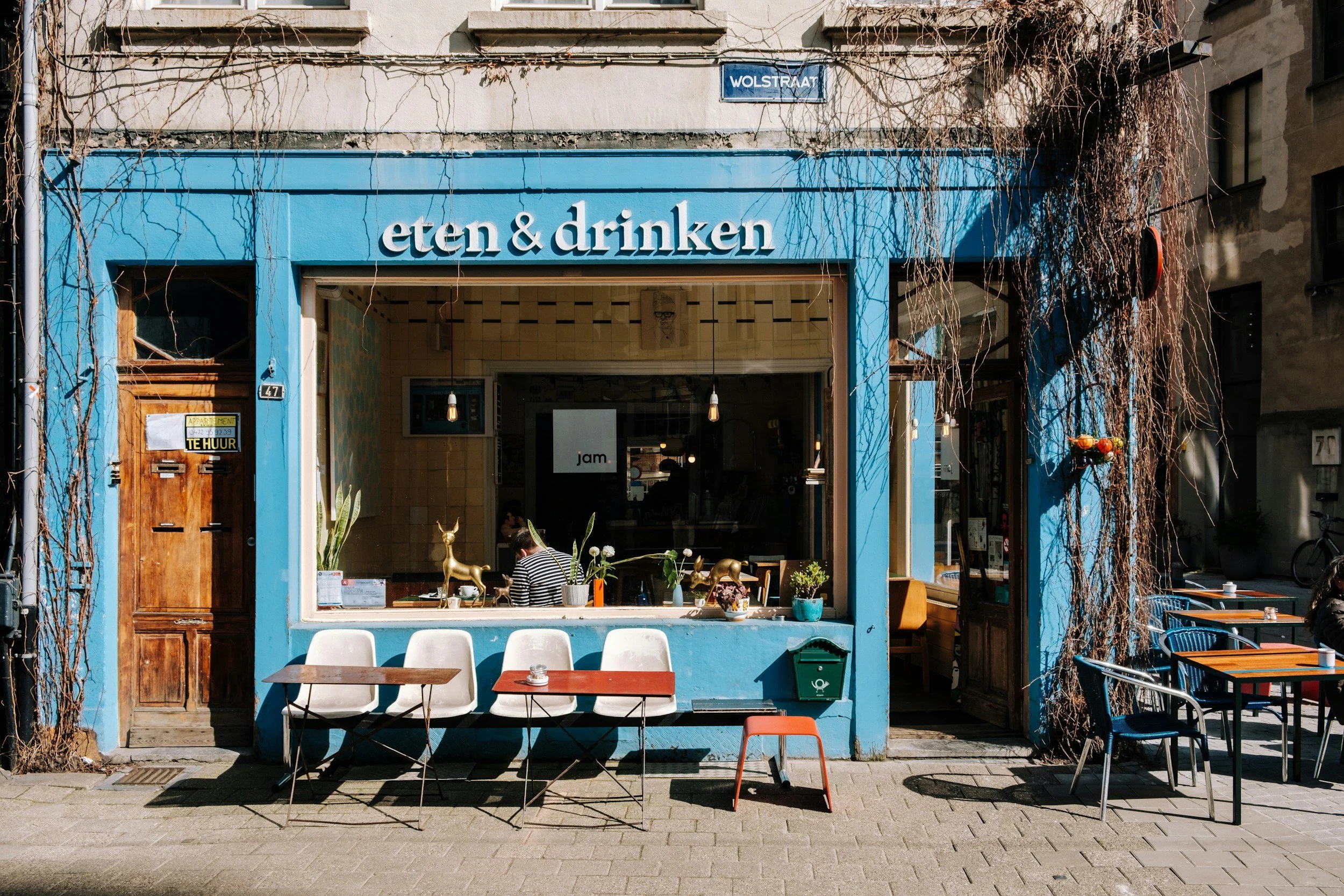
How cafes and restaurants can use it
A new subscriber sees: the brand story, the experience, a first-time reason to come in.
A regular sees: a new seasonal menu preview, a loyalty update, or an invitation to a customer event.
A loyalty member sees: their points balance, their next reward, and a product they haven't tried yet.
How service providers and business coaches can use it
A prospect sees: an educational piece demonstrating expertise, a case study, and a call to action to book a discovery call.
A current or past client sees: an update on new services, a referral programme, or content relevant to where they are in their journey.

What to get right in the design
The most common mistake: treating personalised blocks as separate design problems. Every module, whether seen by a new customer or a loyal one, should feel like it belongs to the same email, same brand, same visual world.
This is where the Email Design System matters. When the programme is designed as a system with defined blocks, consistent hierarchy and shared design rules, adding conditional logic is a design decision, not a technical workaround.
Next steps
Find out about the Klaviyo Email Design System here and dive into the world of personalisation that is more than hello [first name].